HOLOLENS TEXTURE PACK 🔣

🎞| SHOWCASE
Sounds and images speak for themselves—see how HOLOLENS looks in action!
{{youtube:https://www.youtube.com/embed/CrMZbB9MpSM}}
🖼| HOW IT LOOKS
TOOL PANEL


GRAPHICAL INTERFACE

LAUNCH SCREEN

More examples in the image gallery above ⬆️
📋| ABOUT THIS PACK
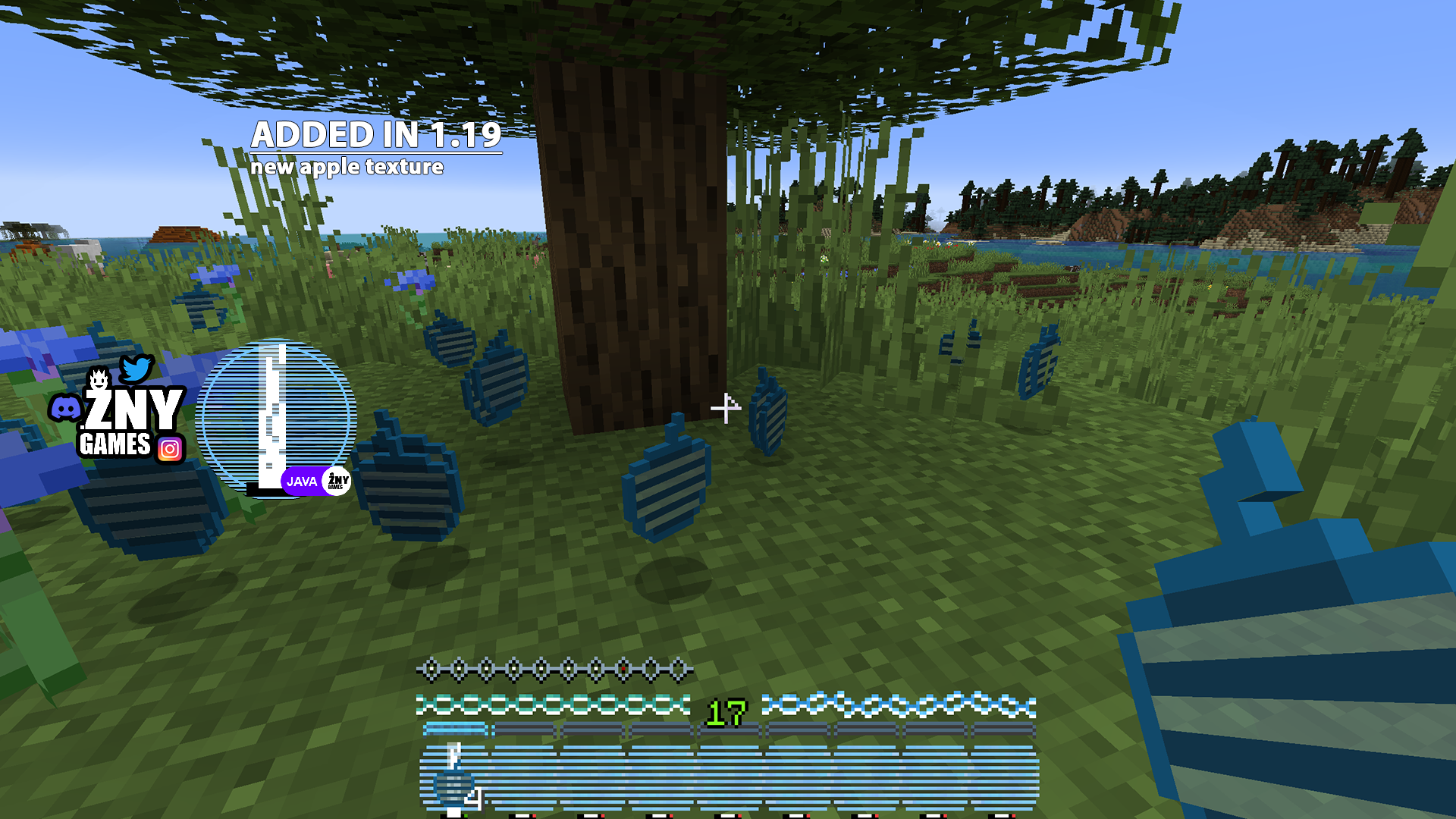
Texture dramatically transforms Minecraft's user interface, giving the game a stylish modern look.
The player status panel is completely new: hunger, health, armor, and experience indicators have been redesigned with a unified futuristic aesthetic. The quick access panel has also been updated, harmonizing with the overall concept. The start menu received new background and button designs, making game launch visually richer.
But that's not all! Work blocks like furnaces and brewing stations got their updated interface outlines with animated elements like fire, creating additional immersion in the crafting process.
- Updated interface panel
- Start screen and menu buttons
- Character status indicators
- Window backgrounds and control elements
⚙️| COMPATIBILITY
NEW! Texture works in regular Minecraft Java version and supports Fabric Loader in versions 0.15.11 ÷ 1.21.
📥| HOW TO INSTALL
As always—make sure the downloaded version is compatible with your game build and all technical requirements are met.
Installation via Fabric
Download and install the current version of Fabric loader for your game version.
Clean Minecraft Installation
- Launch Minecraft and select "Options."
- Navigate to the "Resource Packs" section.
- Place the texture archive in the appropriate resource packs folder within the game directory.
- Enable the downloaded pack from the available list.
- Apply the changes and enjoy the updated gameplay atmosphere!
🎥| MORE FROM CREATORS
{{youtube:https://www.youtube.com/embed/vPrHDt7eAnE}}
Thank you for your attention and happy gaming! 🎮
Project members

znygames
